Make a little room for the city.
Your own icon. A full-screen guide. Open it from your home screen whenever the evening needs a plan.
 TPTBYOUR CULTURAL PASS / NYC
Help
The Place to Be, wherever you go.
The reading upstairs. The room full of strangers who won’t be strangers for long. A reason to take the long way home.
Give independent culture a place on your home screen. Open the guide, find something worth leaving for, and take the details with you.
App installation is in a small preview. You can explore the whole guide in your browser today.
Explore the guide How to installConfirm in your browser, then open the new icon on your home screen.
Free to use. Install from your browser. No app store required.
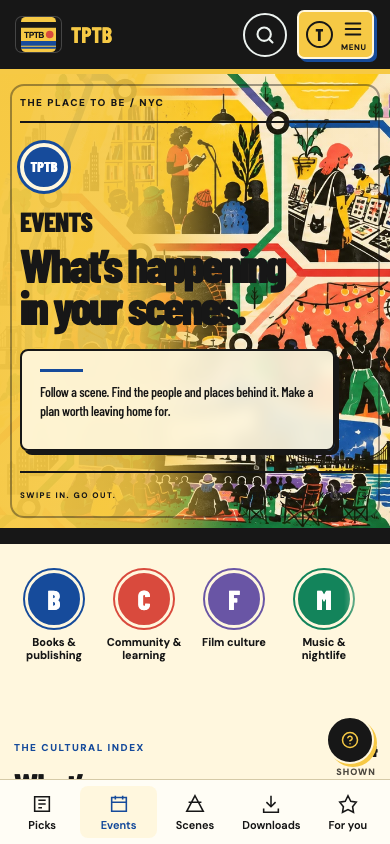
Your own icon. A full-screen guide. Open it from your home screen whenever the evening needs a plan.
Find scenes, independent places and events across New York. Join to save events and shape your own guide.
When offline downloads are available, choose “Keep offline” on an event or weekly selection before heading out. Copies stay on that device for up to seven days.
Add the app, then open its new icon whenever you need a plan.
If you opened this page inside Instagram or another app, open it in Safari or Chrome first.
In Chrome or Edge, use the install button above when offered, or look for the install icon in the address bar. In Safari on Mac, choose File → Add to Dock. Availability depends on your browser.
The live catalogue and official ticket links need a connection. Offline copies can become out of date and are not tickets or RSVPs. Account saves and offline downloads are separate; an installed app may ask you to sign in and choose your cookie preferences again.
Make the guide yoursFind a little help